
Colette Marsh had thirty-one minutes before the Monday claims huddle in Hartford, Connecticut, and the mainframe was doing that thing again. The screen froze. Un-froze. Spat out a batch report with three duplicate policy numbers sitting right there in plain sight. Then froze again, because apparently once wasn’t enough.
She’d worked around this for four years. Print the report twice, cross-reference by hand, flag whatever didn’t match, keep moving. Never once thought to count the hours it ate up. A new CFO did the counting for her last winter — somewhere around six hours a week, per person, across a claims team of nine — and he put his coffee down mid-sip when the total showed up on his screen.
Nobody’s mainframe explodes in some dramatic movie moment. That’s not really how legacy systems fail. They leak. Slowly, quietly, for years, until someone finally sits down and does the maths nobody wanted to do.
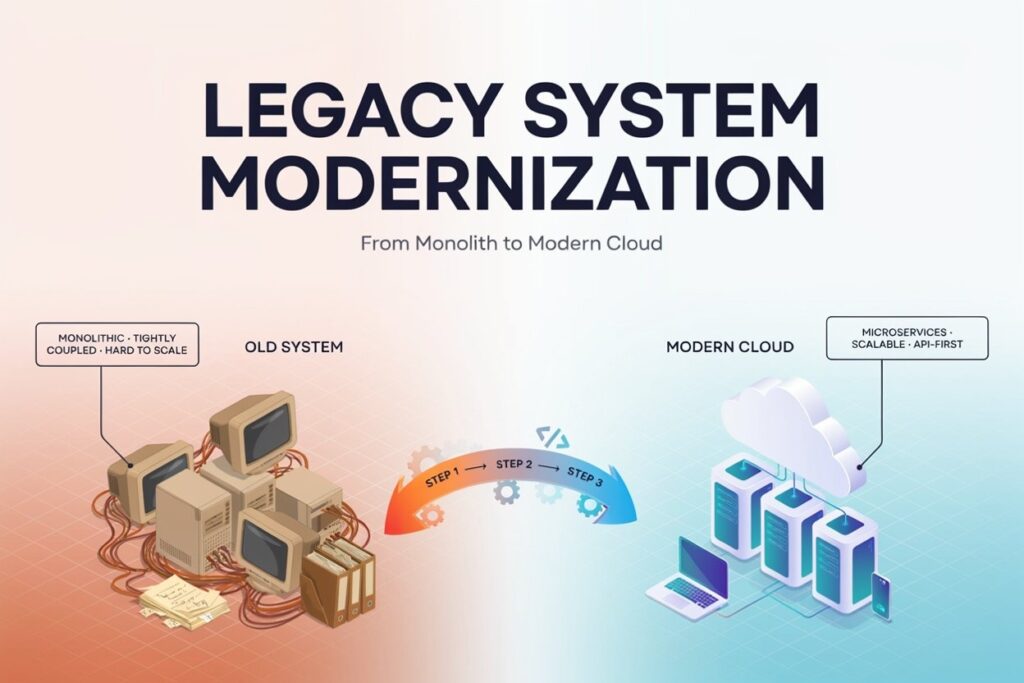
Strip the jargon away and a legacy system is basically this: software that’s outdated but still running the business, and everyone’s a little too scared to touch it. Could be a COBOL-based insurance platform in Connecticut. Could be an inventory tool a warehouse in Ohio has leaned on since 2009. Could be a scheduling app some logistics guy in Texas hacked together over a weekend back in 2011, and nobody’s dared open the code since.
Legacy system modernization is what happens once a company’s finally had enough. It’s the process of updating, replacing, or rebuilding those aging systems so they run on current technology, actually meet today’s security standards, and talk to the tools a business needs — cloud platforms, APIs, mobile apps, whatever AI tool sales just asked for last week. Sometimes that means a full legacy application modernization overhaul. Sometimes it’s smaller. Depends how bad the rot is, and what the budget can stomach.
Most companies don’t wake up one morning and decide to modernize. They get dragged into it. A handful of signs tend to show up first, and most IT leads already know, deep down, which ones apply to them.
Same bug, same support ticket, month after month, and never a real fix — just another patch stacked on the last one. A vendor announces end-of-life support and suddenly a system’s running on borrowed time nobody budgeted for. New hires need weeks just to learn software that looks like it belongs in a museum exhibit. Integration attempts quietly fail, and staff drift back to spreadsheets, because at least the spreadsheet works. Then there’s the security audit that comes back with more red than green — usually the moment somebody finally picks up the phone and calls someone like us.
Two or three of those hitting at once isn’t bad luck. That’s a legacy system trying to tell you something, and it’s probably been saying it for a while.
Businesses in Georgia, Michigan, Arizona — doesn’t much matter the state — are asking the same question this year. Why now, instead of waiting for another budget cycle?
A few honest answers keep surfacing.
Costs climb every year as a system ages, mostly because fewer engineers still know the old languages well enough to fix things quickly when they break. Expensive legacy software isn’t pricey because it does more. It’s pricey because it’s fragile, and fragile things demand more babysitting.
Security is the other big driver. Unpatched software vulnerabilities remain one of the simplest ways into a network, period. Doesn’t matter whether it’s a healthcare provider in Georgia or a fintech startup in Arizona — outdated systems draw the same unwanted attention either way.
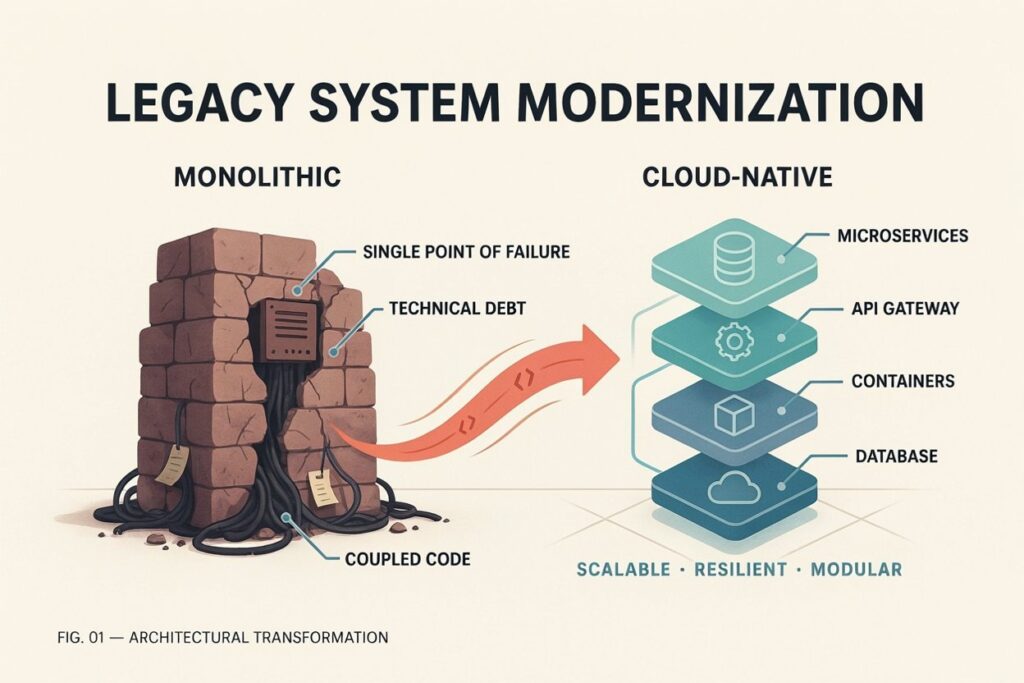
Growth gets capped, too. A modern IT system bends when a business needs to scale. A legacy one just breaks quietly in the background, usually right as volume spikes and nobody has time to deal with it properly.
And compliance keeps tightening, not loosening. GDPR compliance, HIPAA compliance, PCI DSS compliance — all of it now demands real data encryption, real access controls, real identity management. Old architecture can fake that for a while. Not forever. Auditors eventually notice.
This is where math gets uncomfortable for a lot of finance people. Total cost of ownership on an aging platform runs well past whatever line item shows up in the official IT budget.
| Cost Category | What It Actually Includes |
| Direct maintenance | Contractor fees, emergency patches, legacy software support costs |
| Licensing | Rising software licensing costs on tools nobody wants to touch |
| Productivity loss | Manual workarounds, duplicate entry, workflow delays |
| Downtime | Lost revenue for every hour a slow legacy system sits offline |
| Security incidents | Breach response, fines, the reputational cleanup after |
| Missed opportunity | Features a competitor ships in weeks that take your team months |
Add it up, and IT budget optimization stops meaning “trim a few line items here and there.” It starts meaning “stop the bleeding, please.” That’s usually where a real legacy system ROI conversation finally gets traction with a board that’s spent two years avoiding it.
Legacy application cybersecurity tends to get treated like an IT department’s problem alone. It isn’t. It’s a company-wide risk, full stop, and outdated software security vulnerabilities pile up fast once a vendor stops issuing patches for something past end-of-life. No patches means every known exploit just sits there. Open. Waiting. Connected to real customer data the whole time.
Data breach risks aren’t theoretical either. A retail chain in Florida lost customer payment records last year to a vulnerability that already had a public fix available — they just hadn’t updated in three years, because updating would’ve broken two other internal tools nobody wanted to touch first. That’s the trap. One outdated piece drags everything connected to it down with it, eventually.
Modern security standards call for multi-factor authentication, layered access controls, real-time monitoring, and encryption that legacy platforms simply were never built to support. Run a proper security risk assessment early, before something goes wrong rather than after, and it tends to surface exactly how much exposure a company’s been carrying without realizing it.
Slow legacy systems don’t just annoy whoever’s stuck using them. They cost real operational efficiency, and it adds up fast across hundreds of transactions a day. Every extra second loading a record. Every manual step someone bolted on because the automated version stopped working right two years ago and nobody circled back.
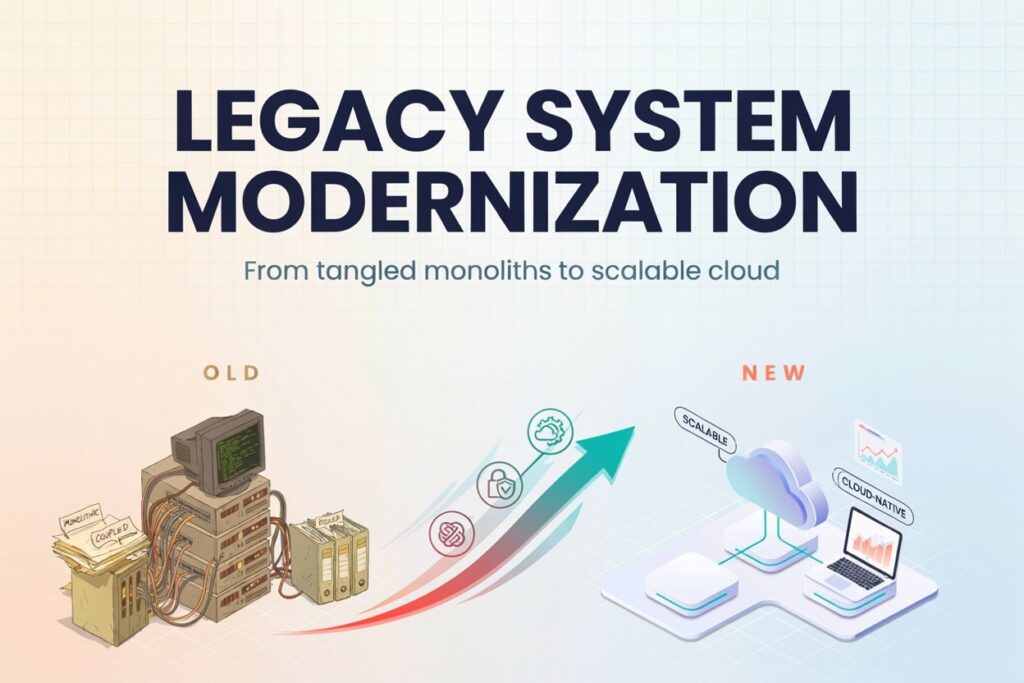
Technical debt is what engineers call this pileup. Years of quick fixes stacked on obsolete programming languages and outdated software architecture, usually a monolithic architecture that was never designed for the scale a business eventually reached. Reducing technical debt isn’t glamorous. Nobody throws a party for it. But legacy code modernization does clear the path for faster software deployment, continuous delivery, and development speed that doesn’t feel like wading through wet cement.
A logistics company out of Colorado recently measured their dispatch software taking four full seconds to load a single route. Multiply that across two hundred drivers a day and you land at nearly nine hours of collective waiting, every single day, that nobody had bothered to measure before. Once they did, the case for modernizing pretty much wrote itself.
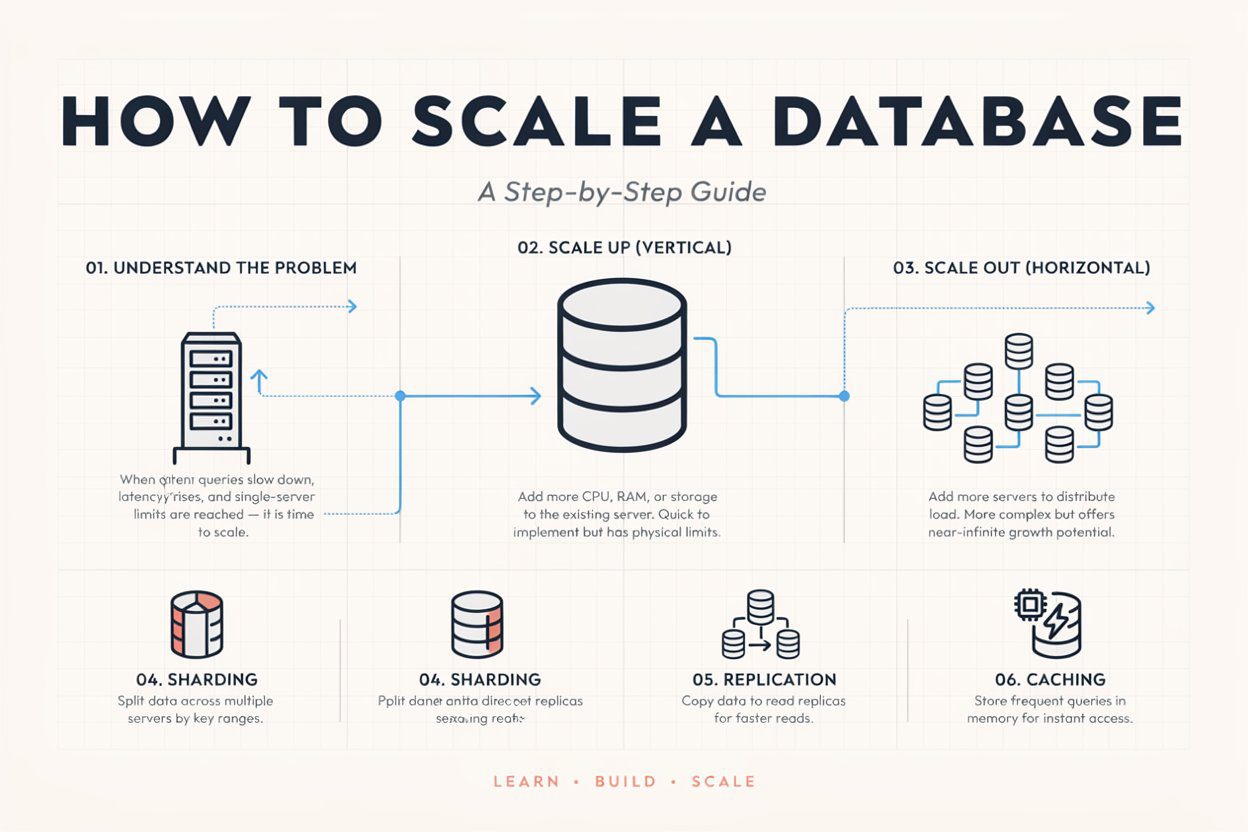
There’s no single right way to do this. Legacy modernization solutions generally fall into a handful of camps, and which one fits depends on the system’s age, how much risk a company can stomach, and how deep it’s wired into daily operations.
| Approach | Best For | What Changes |
| Application refactoring | Systems with solid logic but messy code | Code gets cleaned up, structure improves, function stays close to the same |
| Application replatforming | Systems stuck on outdated infrastructure | Moves to modern hosting, often cloud, without a full rewrite |
| Application re-architecting | Systems that can’t scale as-is | Rebuilds the core structure, often shifting toward microservices migration |
| Full software replacement | Systems too far gone to save affordably | Old system retired outright, new one built from scratch |
| Legacy system integration | Systems that work but don’t connect | APIs and middleware bridge the old and the new |
A modern technology stack often brings Docker containerization and Kubernetes modernization into the picture now, especially for companies chasing real DevOps modernization through infrastructure as code. None of this has to land in one giant leap, either. Staged application modernization tends to cause a lot less business disruption than a rushed, all-at-once rebuild, even when it feels slower on paper to a CFO watching the clock.
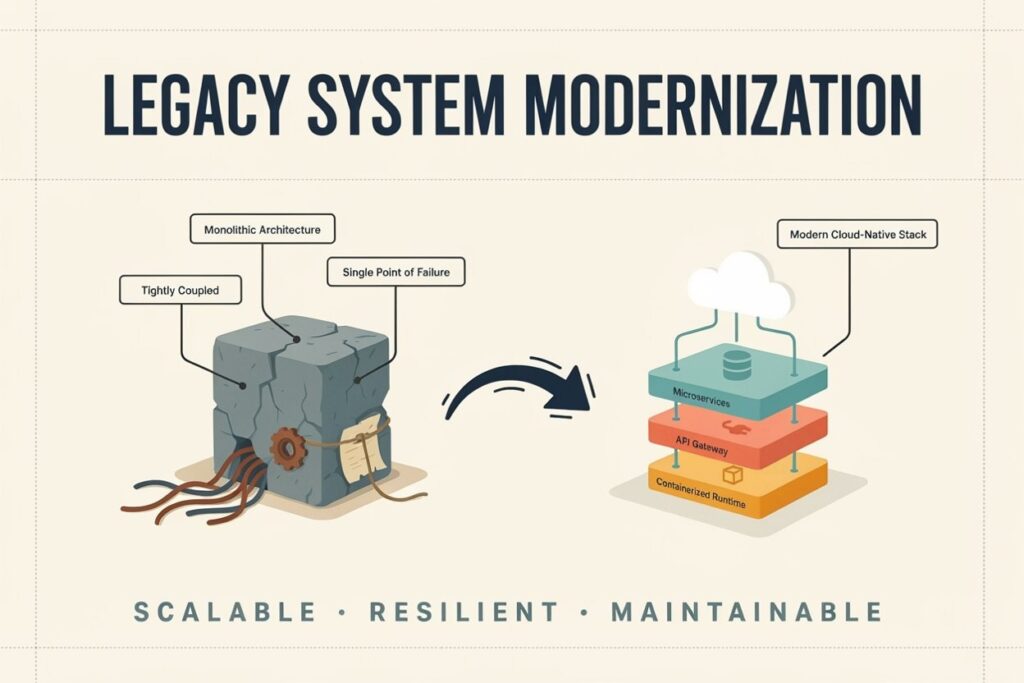
A legacy modernization strategy that survives contact with reality tends to follow roughly the same shape, no matter the state or the industry.
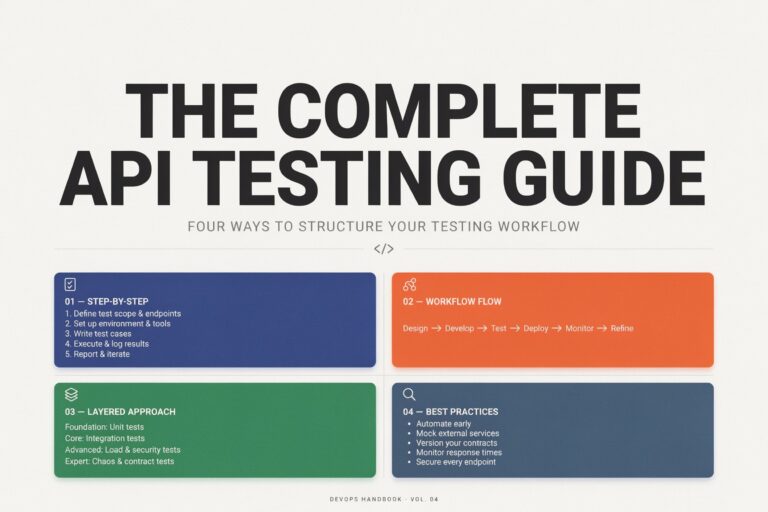
Start with a real legacy system assessment. Map every dependency, every integration, every piece of legacy data modernization is going to touch, before anyone writes a single line of new code — skip this step and you’ll find out the hard way what breaks. Prioritize by risk, not age; the oldest system in the building isn’t always the most dangerous one, sometimes it’s the newer one nobody bothered to secure right. Pick an approach from the table above, matched system by system, because one-size-fits-all almost never actually fits anything. Plan for minimal downtime by running old and new systems in parallel during the transition instead of forcing a hard cutover on a Friday night and hoping. Test relentlessly, because automated testing catches what a tired human reviewer misses, especially anywhere legacy system migration touches customer-facing data. And train the team. Even the best modern IT systems fail quietly if staff never actually learn how to use them properly.
| Question | If Yes, It’s a Signal |
| Has a vendor announced end-of-life support? | Immediate risk — start planning now |
| Are maintenance costs climbing every year? | Financial pressure is building |
| Did a security audit flag the system? | Compliance and breach exposure |
| Do new hires struggle with the interface? | Productivity is draining quietly |
| Does the system block new integrations? | Growth is getting capped |
| Has downtime crept up over the past year? | Reliability is failing |
Three or more checked off, and legacy IT modernization stops being a someday project sitting on a whiteboard. It becomes the next budget conversation whether anyone feels ready or not.
The advantages of upgrading legacy systems tend to show up faster than most finance teams brace for. Application modernization benefits usually include lower long-term operating costs, better system reliability, quicker response times, and a security posture that survives an actual audit instead of just looking fine on paper. Employee productivity climbs once business process automation takes over the manual data entry nobody liked doing anyway. Customers notice, too. Faster load times. Fewer errors. Service that just feels smoother, even if they couldn’t tell you why.
The modernization return on investment isn’t always instant. It compounds. An insurance firm in North Carolina that modernized its claims platform earlier this year cut processing time by close to forty percent inside two quarters, freeing up staff for work that actually matters instead of chasing duplicate records the way Colette used to, every single Monday.
Digital transformation is the buzzword, sure, but legacy system modernization for digital transformation really just means building toward whatever’s coming, not only fixing what’s already broken. Legacy system modernization for cloud migration. Legacy application modernization for AI readiness. Infrastructure flexible enough to handle whatever a business ends up needing in five years that nobody can fully predict from where they’re standing today. A monolithic system built back in 2009 was never going to support the automation or the AI models or the real-time analytics companies are asking for now. It just wasn’t made for this world.
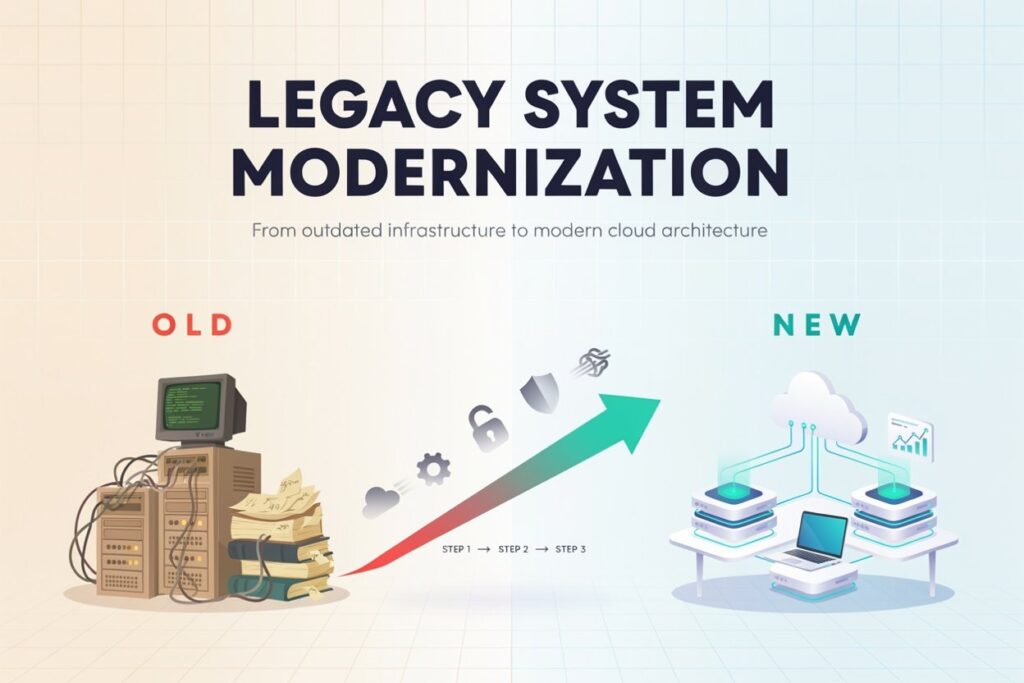
Legacy modernization touches more than code. It touches infrastructure, security, workflow, and the actual people who have to use all of it every day, whether they’re excited about it or not. That’s usually the difference between a rebuild that drags on for eighteen months and one that ships in careful stages without breaking anything important along the way.
ASAPPStudio’s software development services cover legacy application modernization from the first assessment through final deployment. Refactoring, replatforming, full re-architecting — whatever the system genuinely needs, not necessarily whatever’s easiest to pitch. For companies stuck running outdated resource-planning tools, the team’s custom ERP development work swaps brittle, disconnected platforms for something built around how the business actually operates today, not how it operated a decade back.
Security can’t be an afterthought in any legacy IT system upgrade, which is why IT support stays involved well past launch day — patching, monitoring, hardening systems against the outdated software security vulnerabilities that caused the mess in the first place. Every modernization project also runs through rigorous quality assurance testing, because a legacy system replacement that breaks on day one isn’t really modernization. It’s just a new headache wearing a nicer outfit.
For companies extending modernization into customer-facing platforms, web development and artificial intelligence integration round things out, and staff augmentation fills the skills gap for teams that need extra engineering hands without committing to a permanent hire. Real examples of this work sit across ASAPPStudio’s case studies page, and any team ready to talk through their own legacy system assessment can just get in touch. No pressure. Just a conversation.
Colette’s team retired that mainframe last spring, for what it’s worth. The Monday huddles run twelve minutes now. Not thirty-one.
1. What is legacy system modernization in 2026?
It’s the process of updating outdated software, infrastructure, or applications to modern standards for security, speed, and integration with current business tools.
2. Why should businesses upgrade legacy systems in 2026?
Rising maintenance costs, growing security risks, and stricter compliance rules make older systems more expensive and dangerous to keep running as-is.
3. Is it cheaper to modernize or replace a legacy system in 2026?
Depends on the system’s condition. Refactoring or replatforming often costs less than a full rebuild, but badly outdated systems may need full replacement.
4. How long does legacy application modernization usually take?
Timelines vary by scope, but staged modernization across weeks or months typically causes far less disruption than a rushed, single-phase rebuild.
5. What are the biggest legacy system security risks in 2026?
Unpatched vulnerabilities, weak access controls, and unsupported software create easy entry points for breaches and regulatory compliance failures.