
Android Mobile APK

Scan the QR code or use the button below to download the Android Mobile APK.
Download Android MobileAndroid TV APK

Scan the QR code or use the button below to download the Android TV APK.
Download Android TV


SmartStream Player
Tired of Terrible IPTV Players?
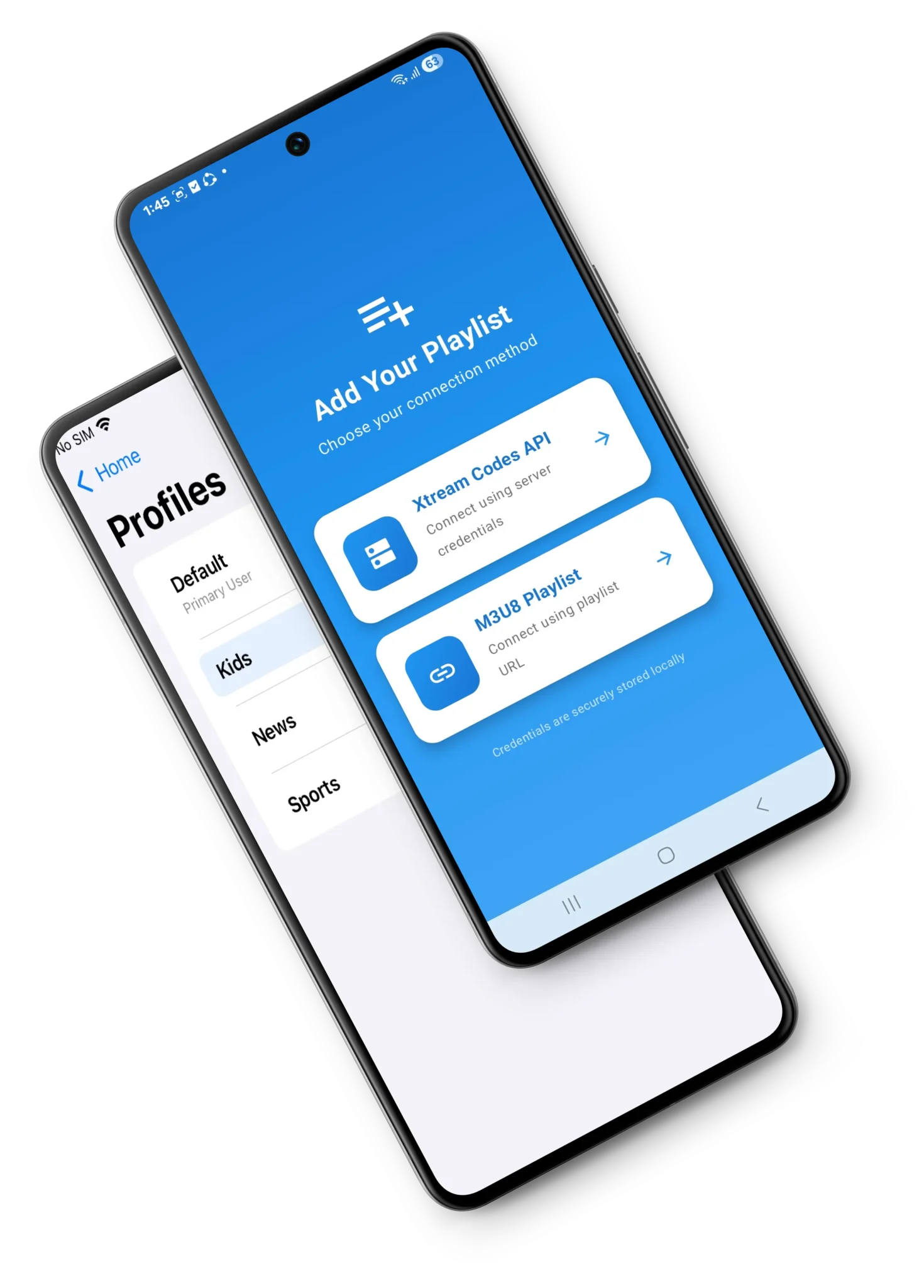
You’ve got an IPTV subscription. Great channels, decent price. But the player? Absolute garbage. Crashes constantly, buffers forever, interface looks like it’s from 2005, can’t find anything. You’re not switching providers you just need a player that actually works. Something that plays your streams without freezing, organizes your channels without confusing you, and doesn’t look like trash. SmartStream Player fixes the player problem. Bring your own IPTV playlist, watch it through a player that doesn’t suck. Simple.
What This Actually Is ?
SmartStream Player is just a video player. You provide the content through your IPTV service, SmartStream plays it. That’s the deal. Think of it like VLC but specifically for IPTV streams. You add your playlist URL from your provider, and SmartStream organizes everything live TV, movies, series, whatever’s in your subscription. Then you watch it without the usual buffering nightmare and terrible interface most IPTV apps have. Not a streaming service. Not providing content. Just playing what you already pay for, but better.
People With IPTV Subscriptions
You’re already paying for IPTV. Stop using whatever terrible player your provider gave you. Use something that actually works instead.Other IPTV players load forever and buffer constantly.

Why SmartStream Beats Other Players
Actually Fast
Other IPTV players load forever and buffer constantly. SmartStream’s built to handle streams properly without endless loading screens.
Doesn’t Look Like Garbage
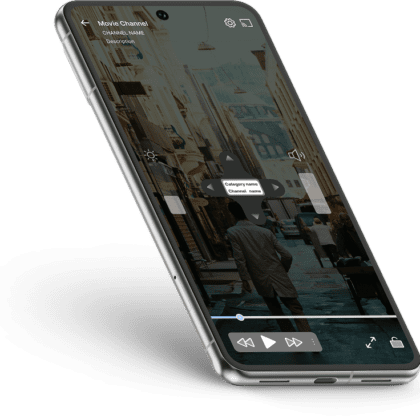
Most IPTV apps look terrible. SmartStream has a modern interface that doesn’t hurt to look at.
Your Content Stays Organized
Instead of dumping everything in one massive list, SmartStream sorts it logically. Makes finding stuff way less annoying.
Supports Modern Formats
4K, HD, various codecs—it all works. Not stuck playing only certain formats or qualities.
No Subscription Nonsense
Pay once for premium or use free with ads. No monthly fees on top of what you’re already paying your IPTV provider.
Ready to Transform Your Streaming Experience?
- • Enterprise-Grade Security
- • Mobile-Optimized Performance
- • Customizable Reporting
- • 24/7 Technical Support